Android pilot installation

Install VoxGuard with Google Play

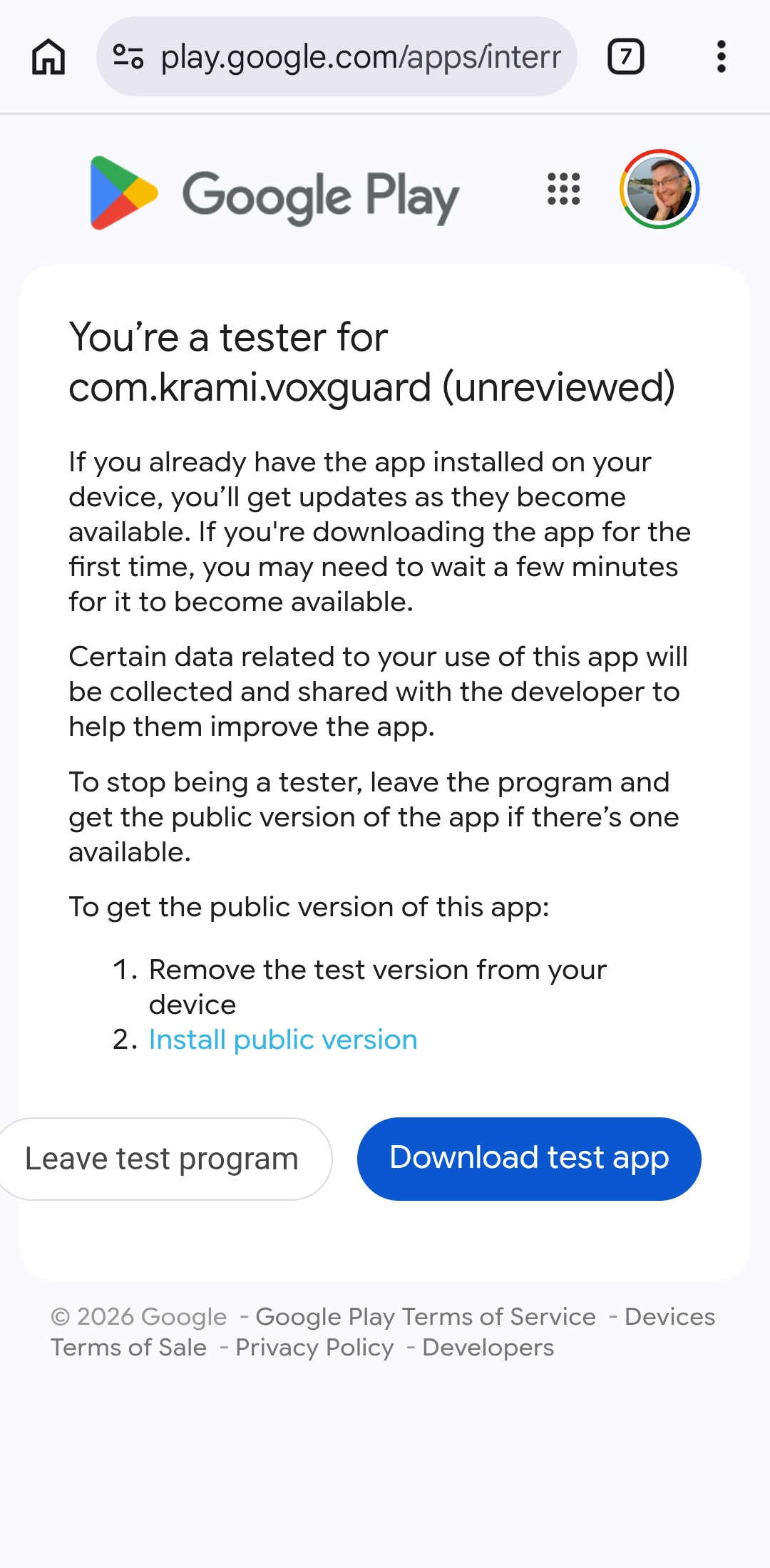
Follow these steps on the Android phone that will be used for VoxGuard testing. You will receive the installation link from the pilot administrator by WhatsApp, email, or another message.

Seuraa näitä ohjeita sillä Android-puhelimella, jolla VoxGuardia testataan. Saat asennuslinkin pilotin ylläpitäjältä WhatsAppilla, sähköpostilla tai muulla viestillä.

Before You Start

Ennen Aloitusta

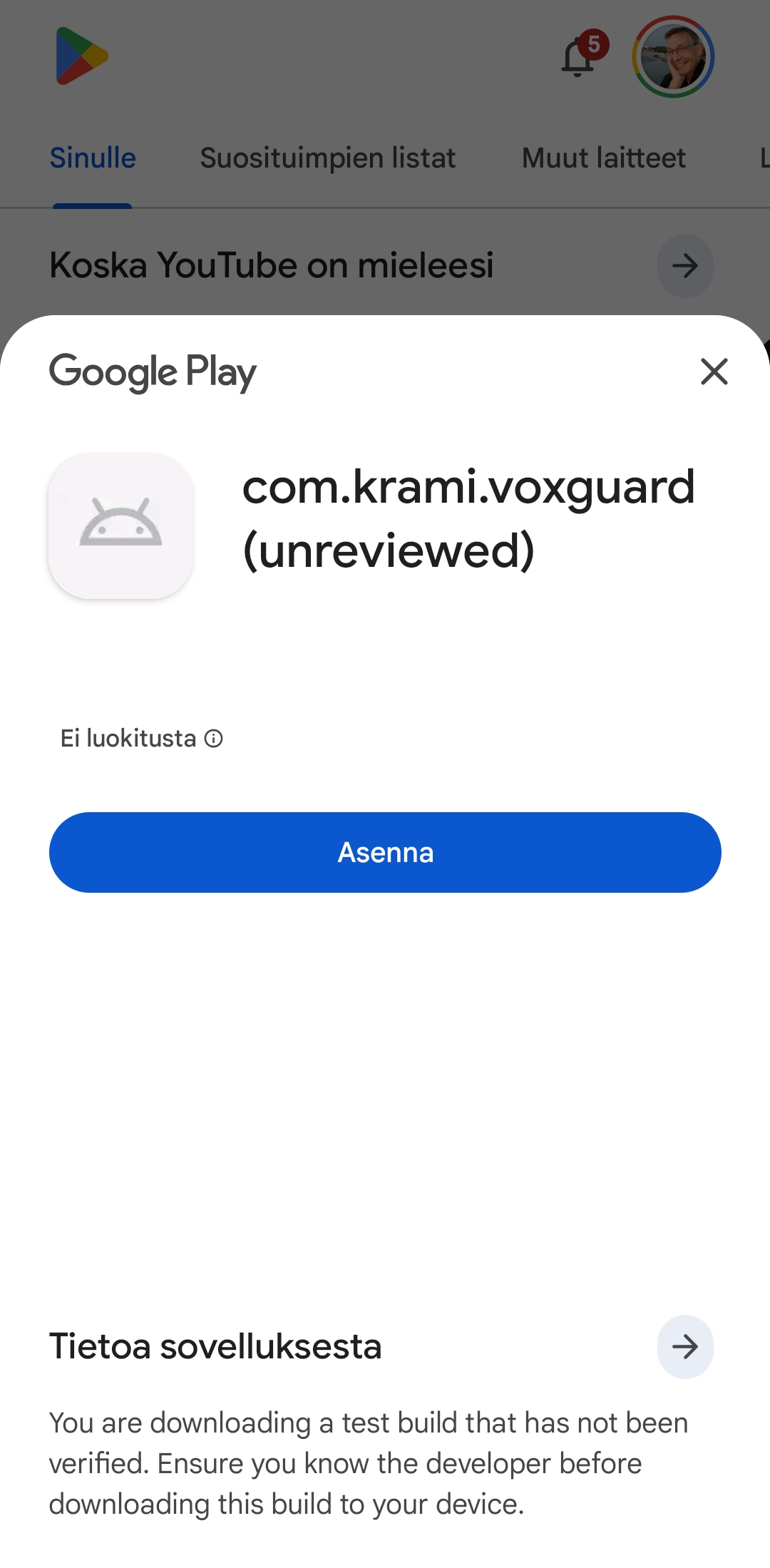
Google Play install dialog for the VoxGuard test build
2

Download the Test App

On the Google Play testing page, tap Download test app. Google Play opens the VoxGuard test build and shows the install screen.

Lataa testisovellus

Paina Google Playn testisivulla Download test app. Google Play avaa VoxGuardin testiversion ja näyttää asennusnäkymän.

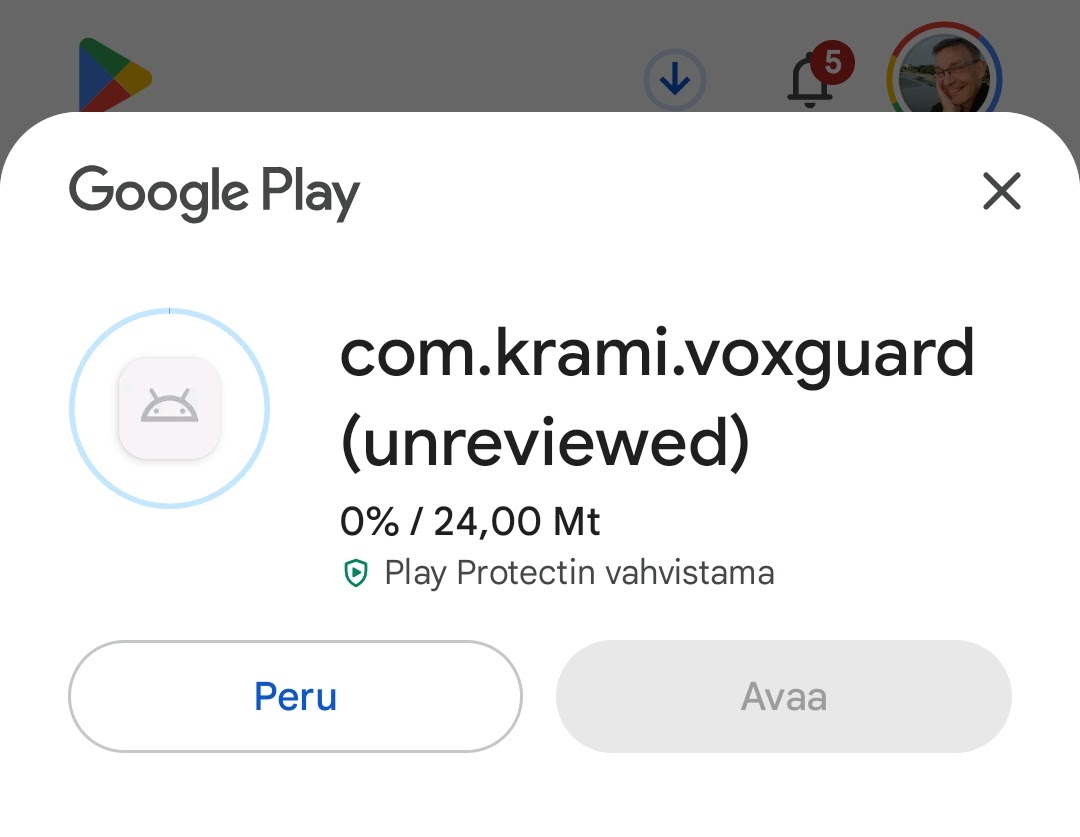
Google Play download progress for the VoxGuard test build Google Play update button for an installed VoxGuard test build
3

Install or Update VoxGuard

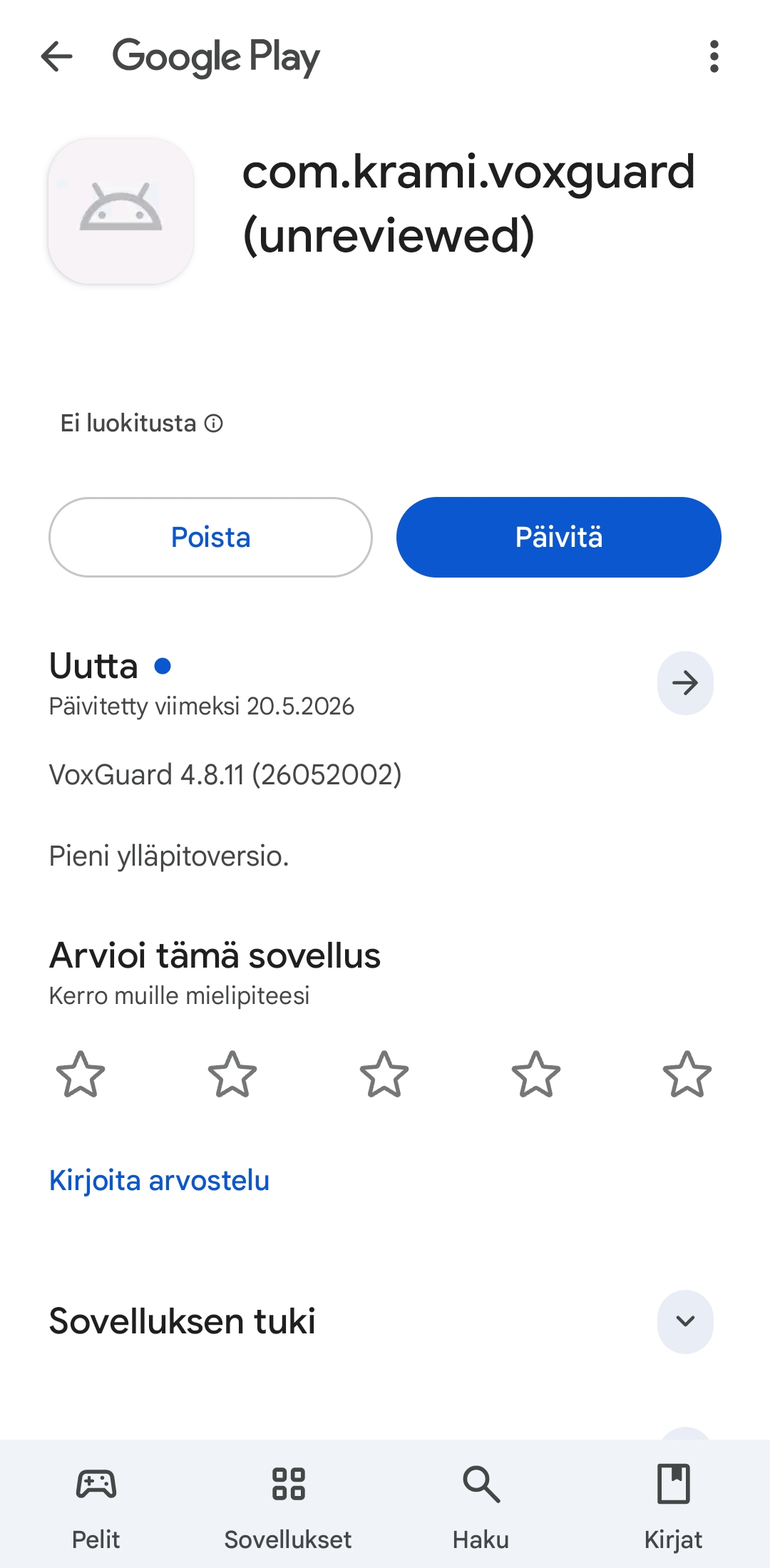
Tap Install to install VoxGuard. If VoxGuard is already installed, tap Update.

Asenna tai päivitä VoxGuard

Paina Asenna, jos VoxGuardia ei ole vielä asennettu. Jos VoxGuard on jo asennettu, paina Päivitä.

Android microphone permission prompt for VoxGuard Android location permission prompt for VoxGuard
4

Allow Required Permissions

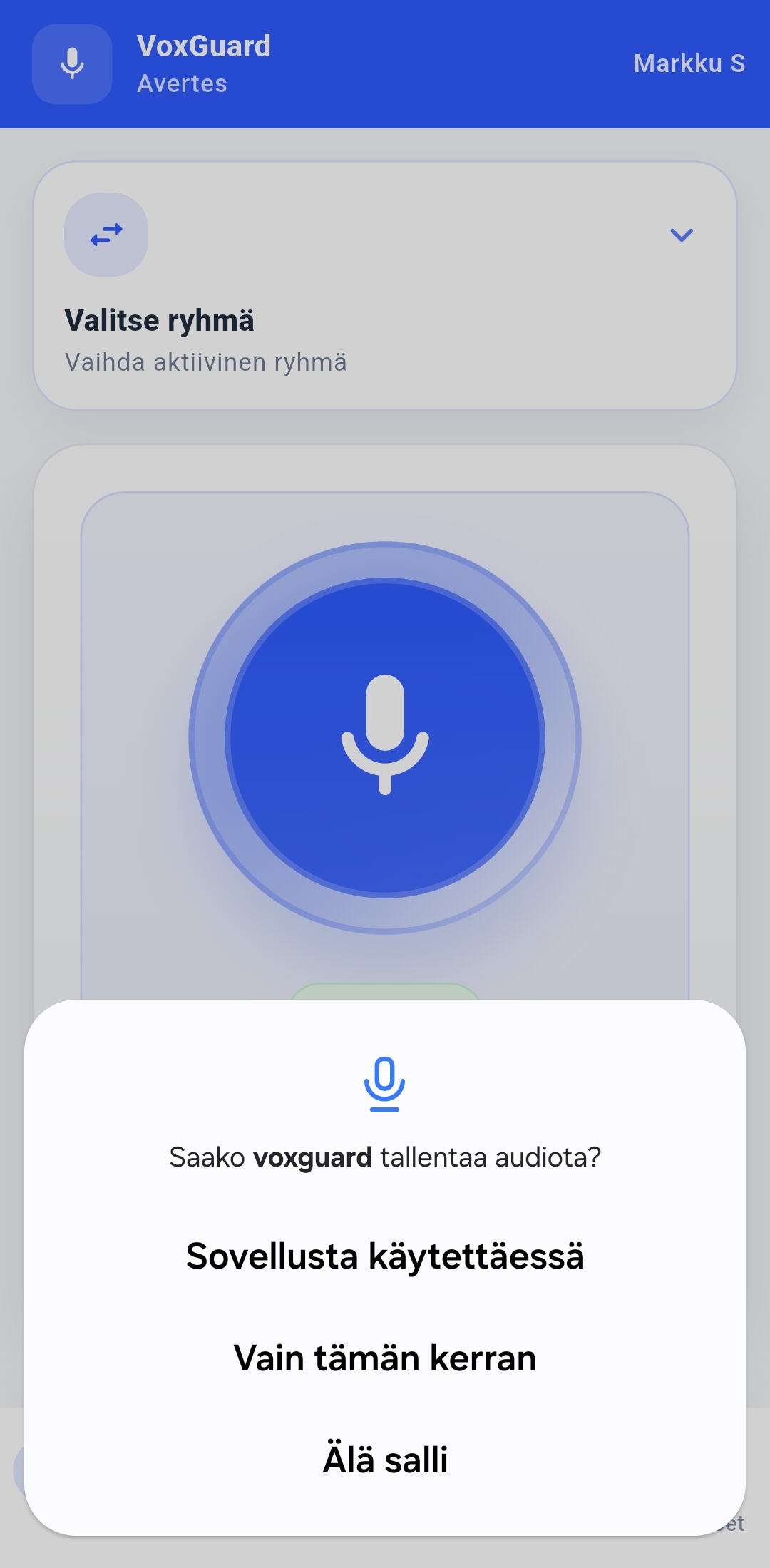
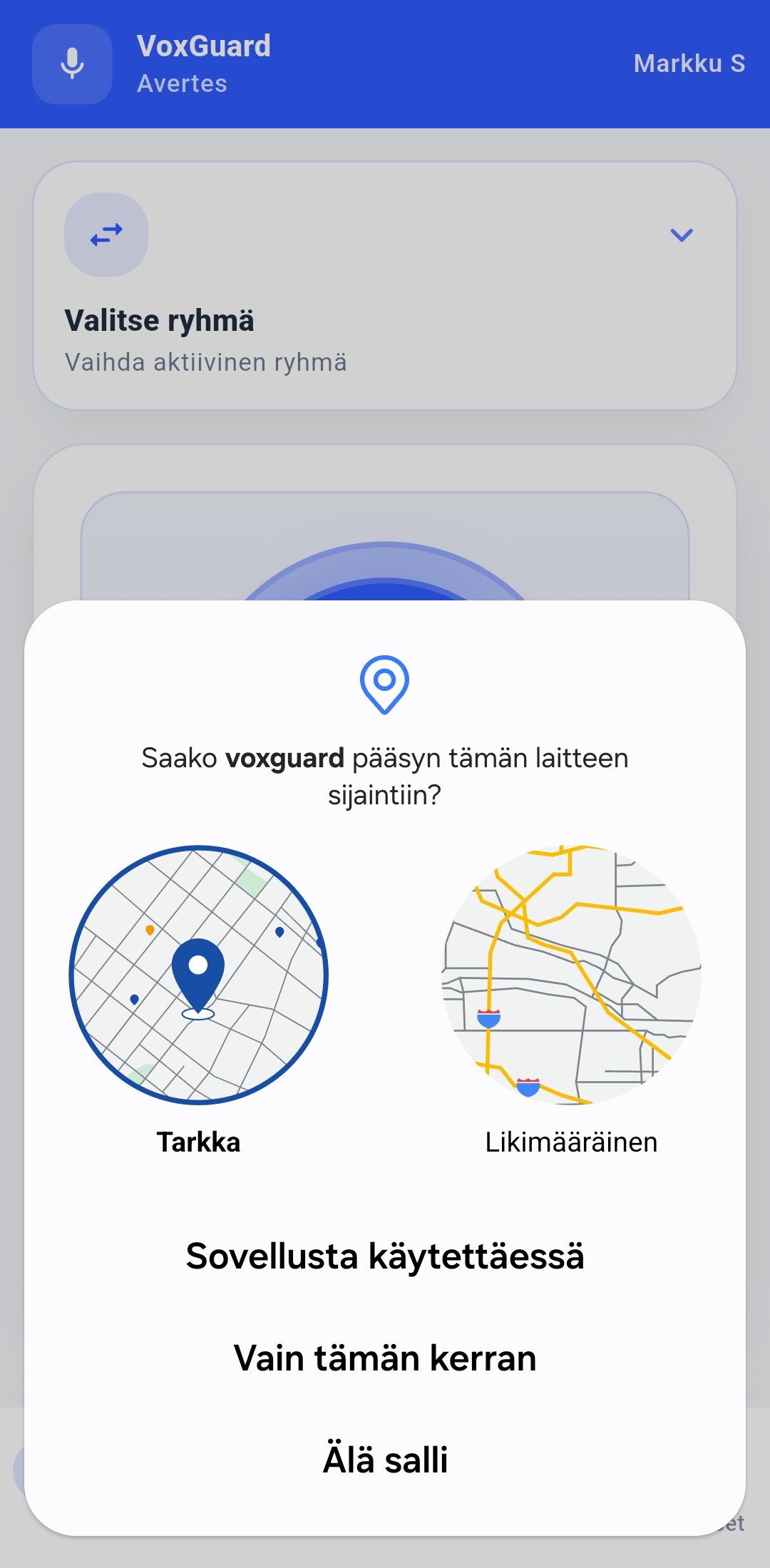
Allow the permissions needed for testing, such as notifications, microphone, and location, when Android or VoxGuard asks for them.

Salli tarvittavat käyttöoikeudet

Salli testauksessa tarvittavat käyttöoikeudet, kuten ilmoitukset, mikrofoni ja sijainti, kun Android tai VoxGuard kysyy niitä.

VoxGuard login screen in Finnish VoxGuard login screen in English
5

Sign In to VoxGuard

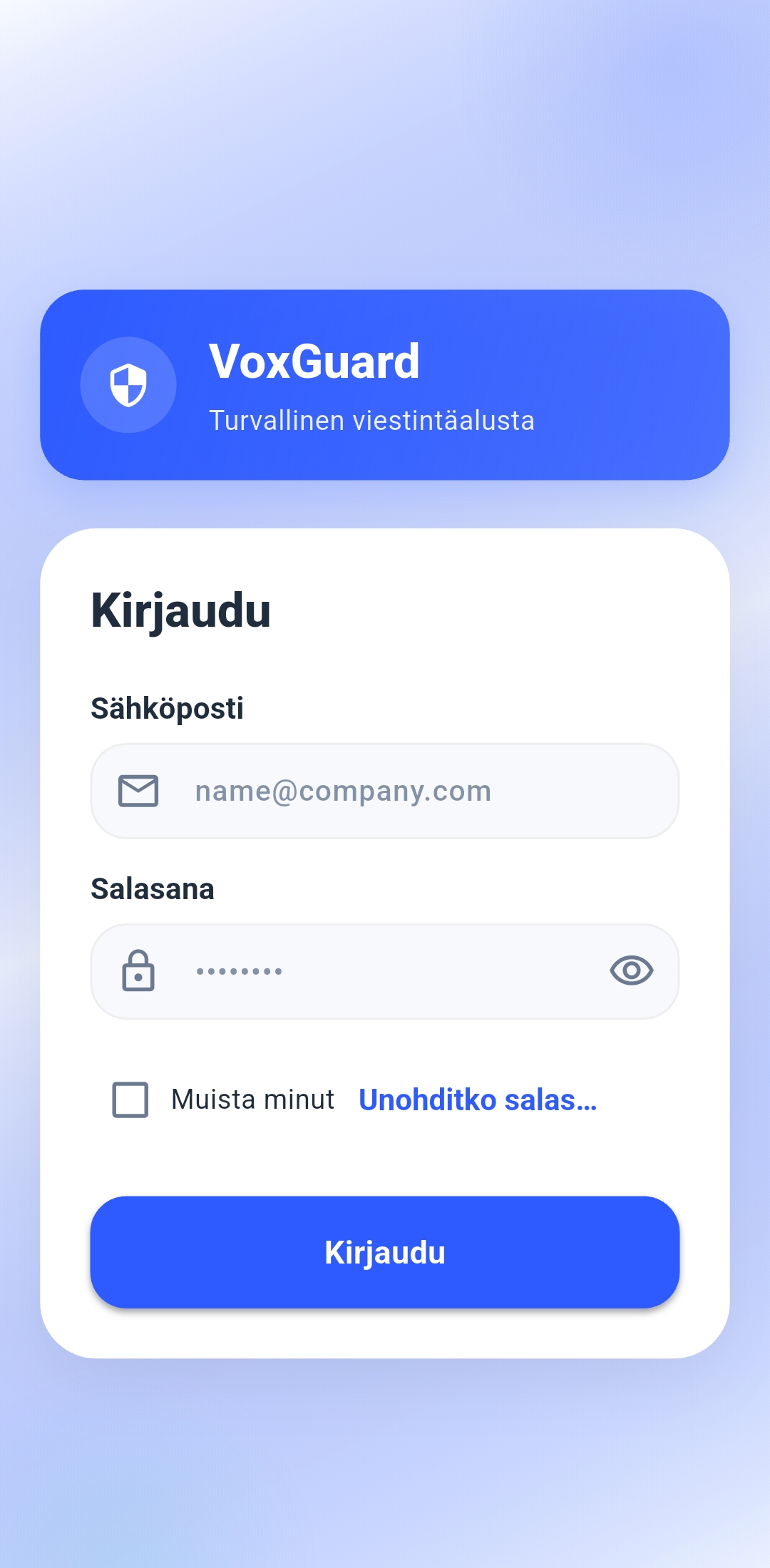
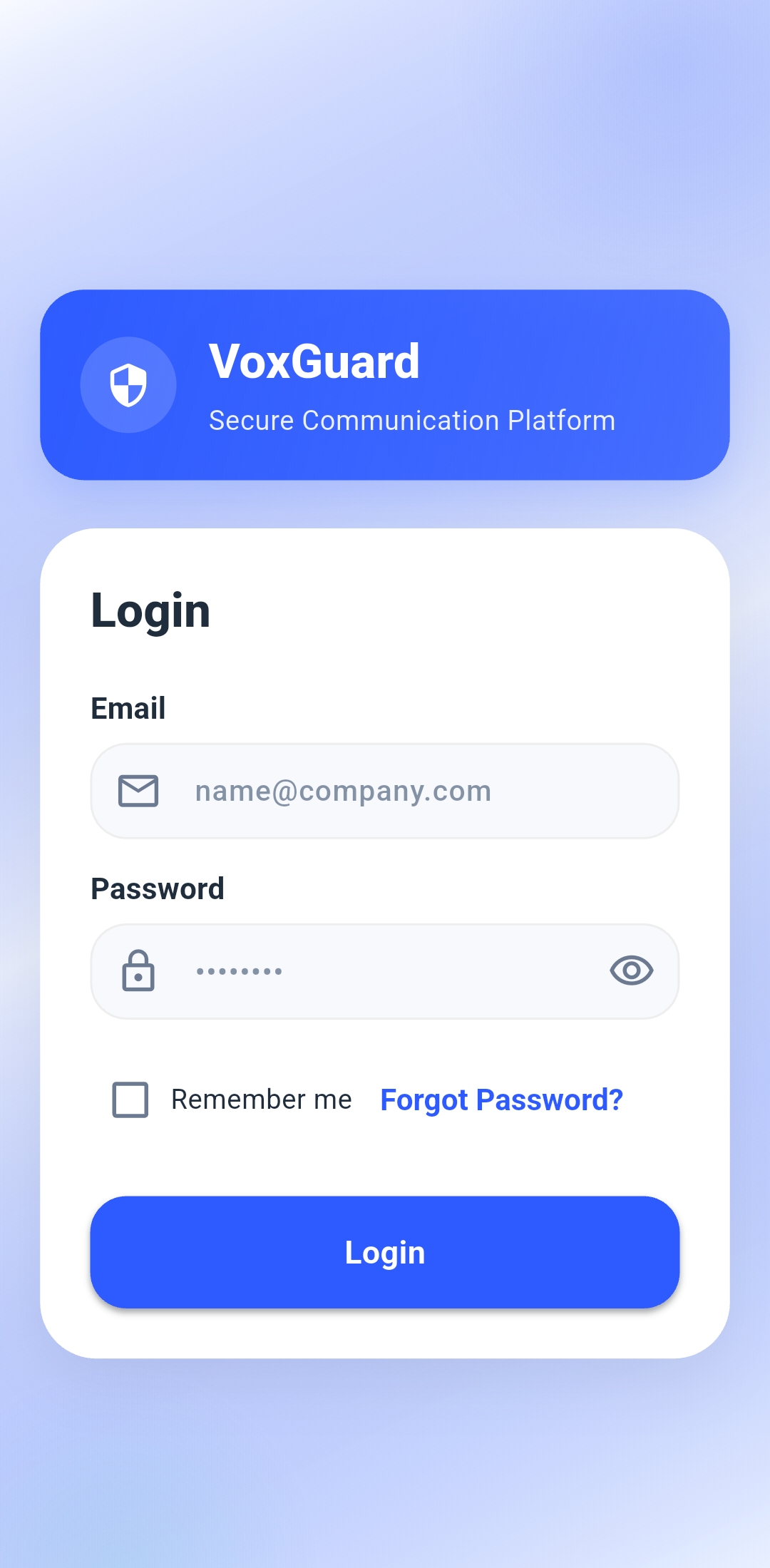
Sign in with the VoxGuard account details provided by the pilot administrator.

Kirjaudu VoxGuardiin

Kirjaudu sisään pilotin ylläpitäjän antamilla VoxGuard-tunnuksilla.

If Something Does Not Work

Confirm that you opened the link on an Android phone, that you are using the correct Google account, and that the account has been added to the VoxGuard tester list. If Google Play does not show the newest version immediately, wait a moment and open the link again. You can also close Google Play and try again.

Jos jokin ei toimi

Tarkista, että avasit linkin Android-puhelimella, käytät oikeaa Google-tiliä ja tili on lisätty VoxGuardin testaajalistalle. Jos Google Play ei näytä uusinta versiota heti, odota hetki ja avaa linkki uudelleen. Tarvittaessa sulje Google Play ja yritä uudelleen.